


 98
98
Inside of Lab Notes, there is the ability to print the entire lab summary for the cycle. This may be printed at any time for the patient or for internal use.
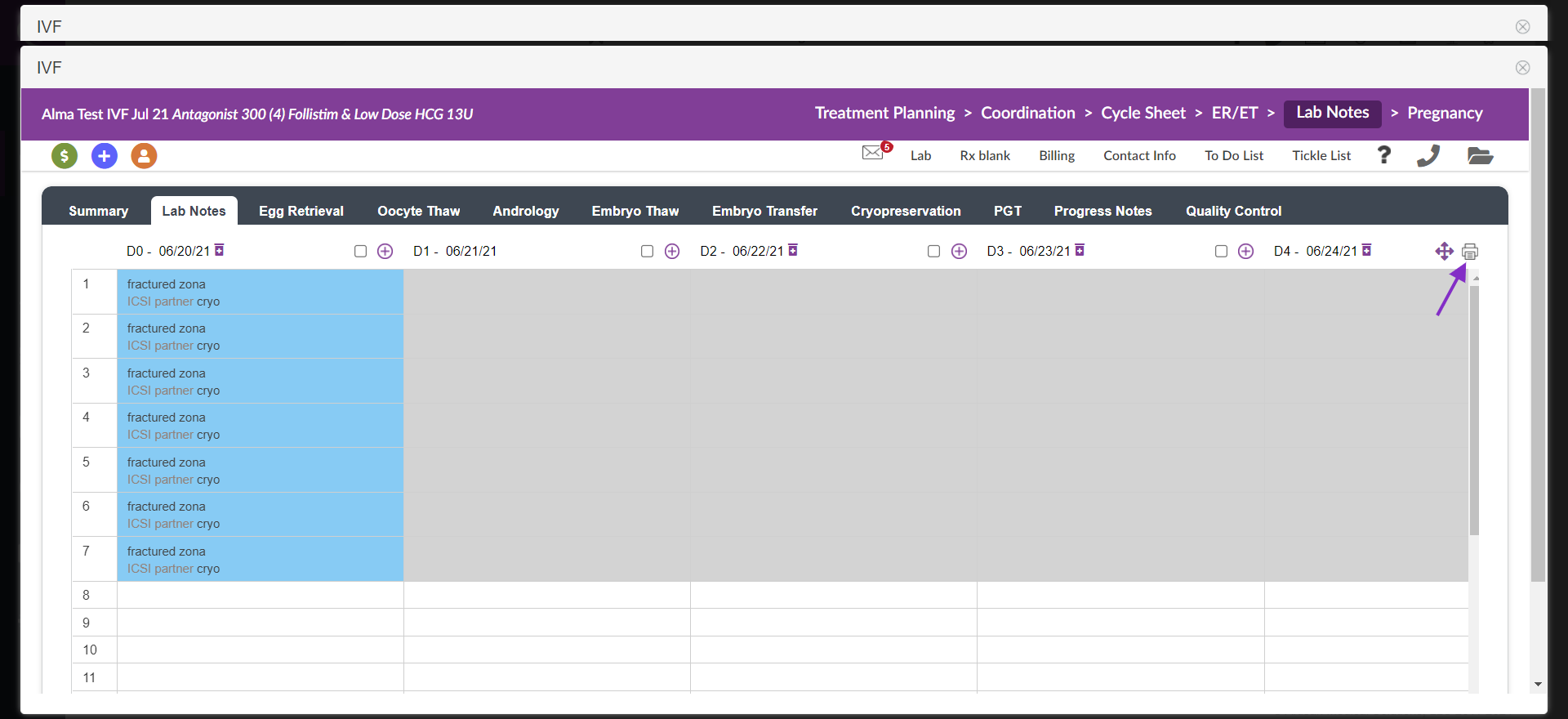
From the lab notes page, select the print icon.
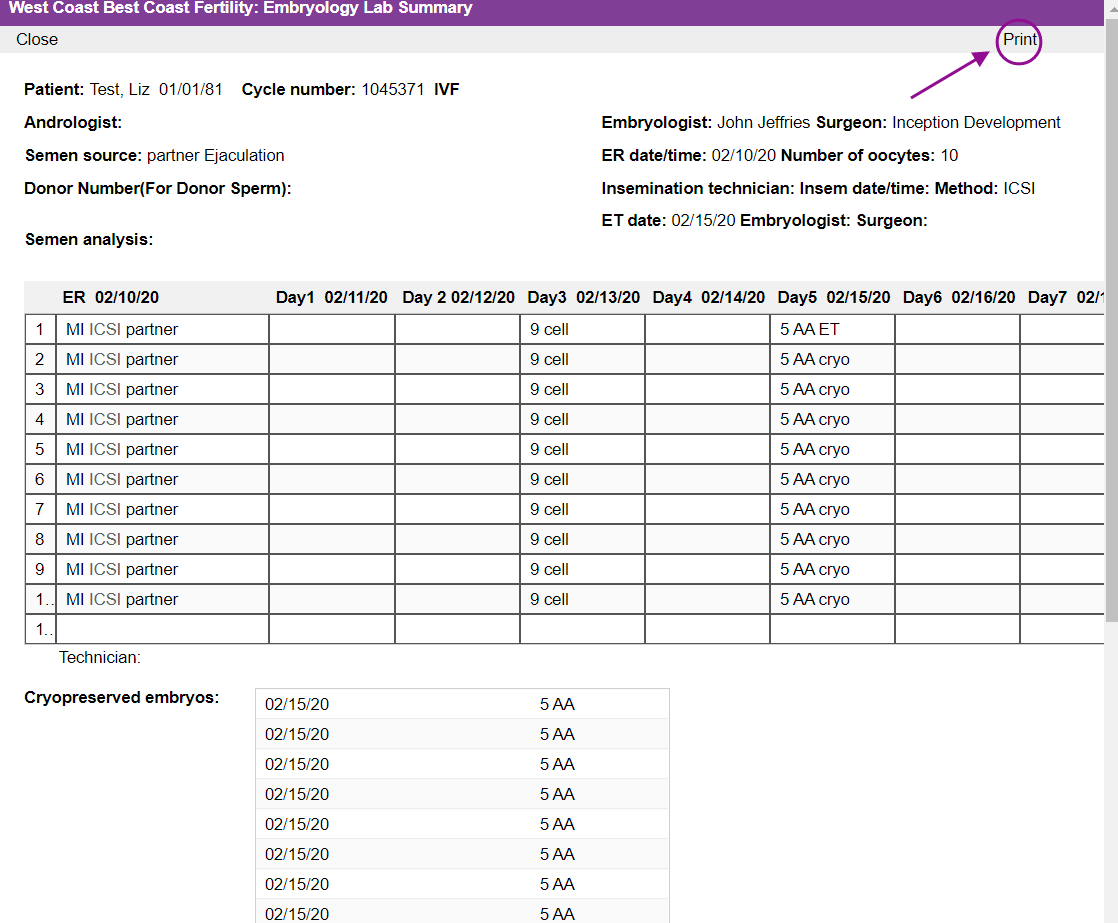
From the next page, you may review the information before printing, and then click Print.

This will pull up your print dialogue box. You may choose the print from this screen, or to open and save as a PDF to provide an electronic copy through secure email.
If your lab would still like to keep a paper record of embryo grading, after setting up the retrieval in the Egg Retrieval Tab, you may print this page to record notes on throughout the cycle to then manually enter the data later into Artisan.
**All manuals are compliant with HIPAA regulations. No patient information has been released. All screenshots above were taken from a test clinic with fake patient information.

