


 47
47
In Lab Notes you are able to customize your lab notes cell days. This allows the client to adjust the cell sizes of the days in the lab.

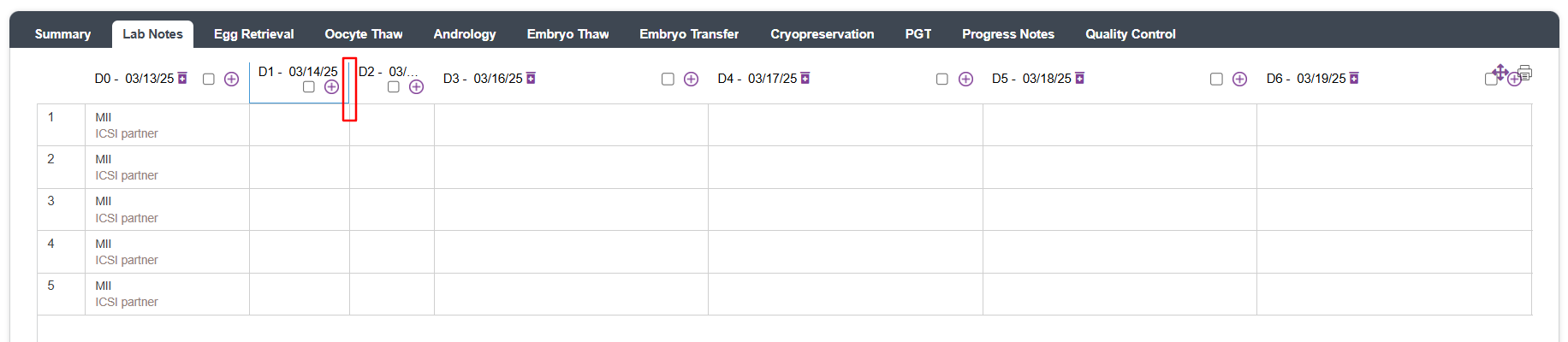
To adjust your cell sizes move your cursor in between the bulk grading option and drag your cursor to the left or right. Moving your cursor to the left will decrease the cell size, moving your cursor will increase the cell size.
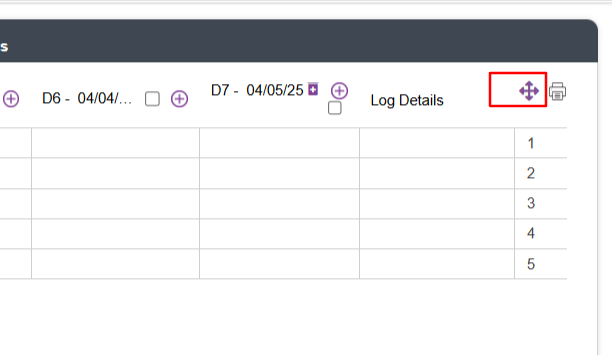
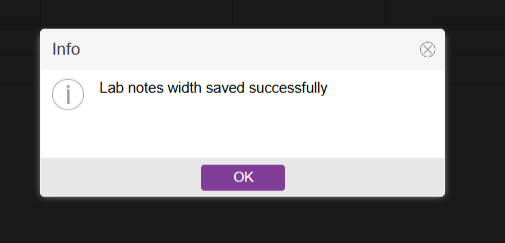
Select the four arrow icon to the right to lock in the size of the cells.

**All manuals are compliant with HIPAA regulations. No patient information has been released. All screenshots above were taken from a test clinic with fake patient information.

