


 40
40
Every action performed within the Specimen Log is recorded in the Specimen Audit Log.
Navigation

The Specimen Log is accessed through the Lab Tools (Microscope) icon and by then selecting Specimen Log.
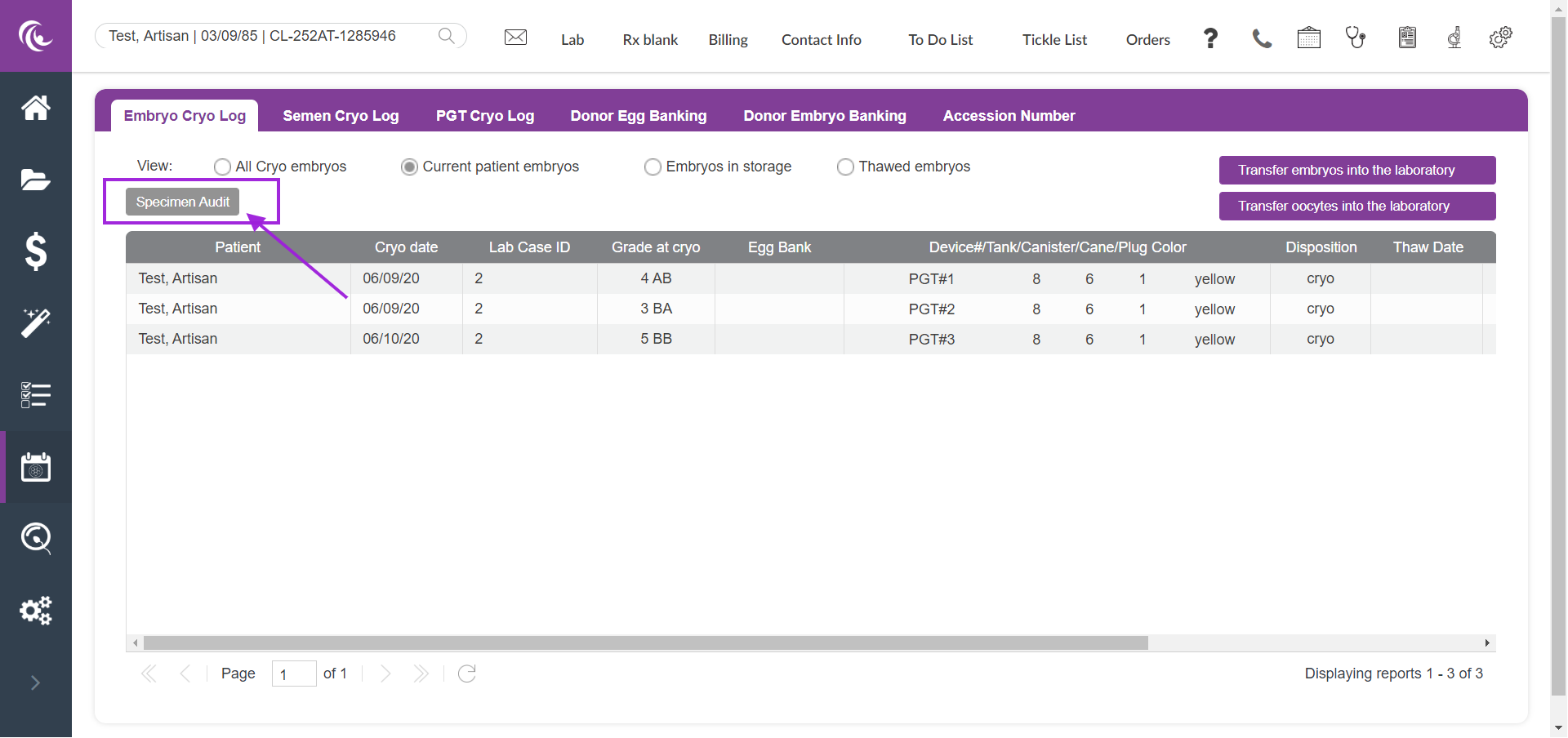
Once a patient has been selected, click on the Specimen Audit tab to view a log of all activity that has been performed within the Specimen Log.

This log is blank as no action has been taken yet in the log for this patient. See below for an example after changes have been made to the Specimen Log. In this example, we will transfer embryos into the laboratory for this patient.
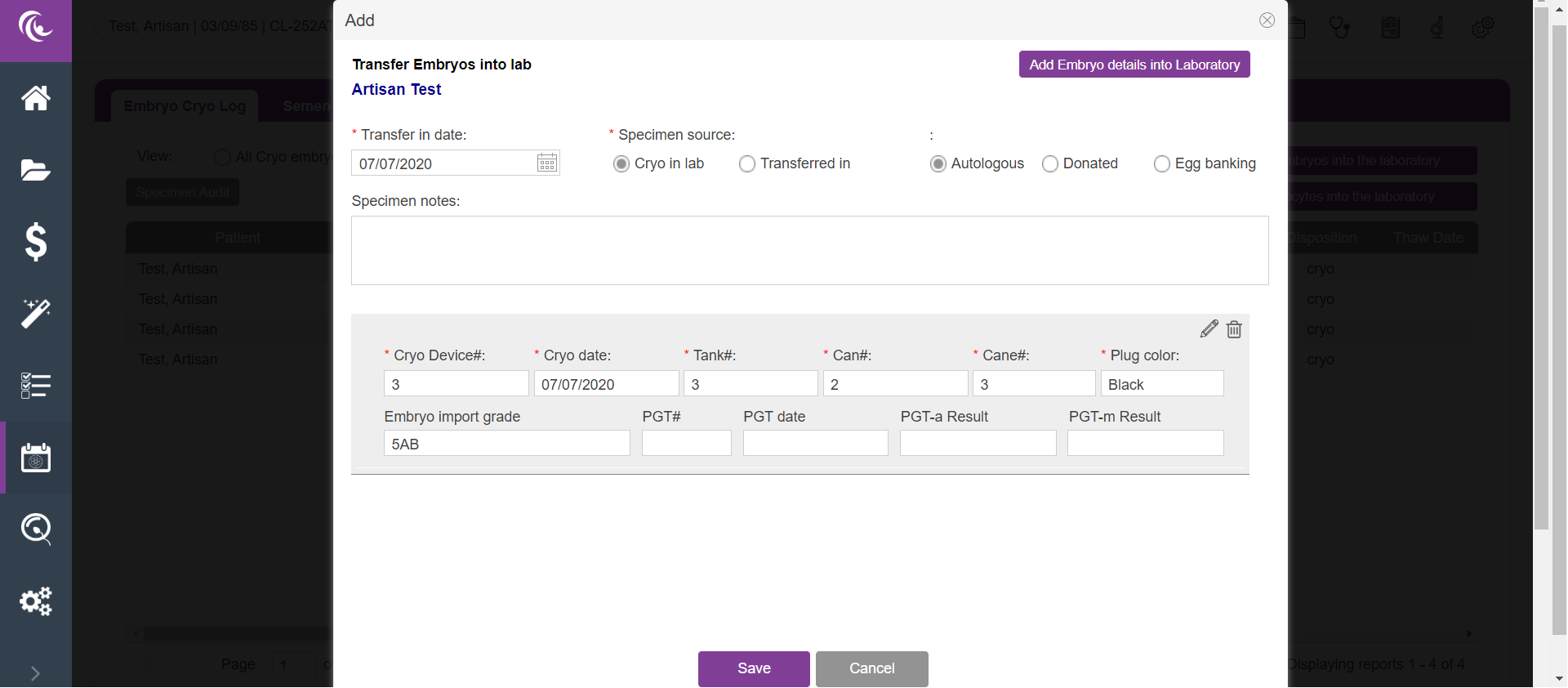
Information about the embryos to be transferred into the lab were entered and Saved.
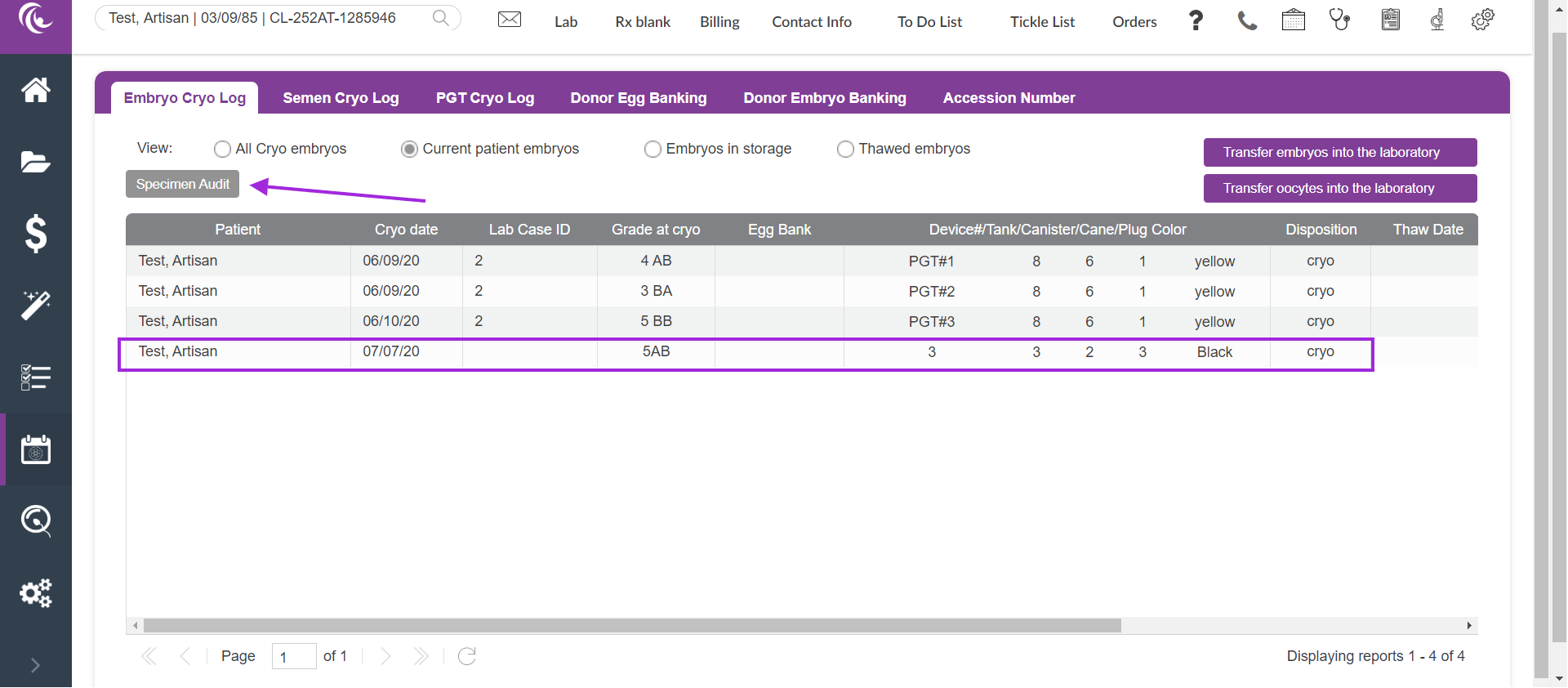
New information has been added to the Specimen Log. Click the Specimen Audit tab to view the Cryo Log Audit.
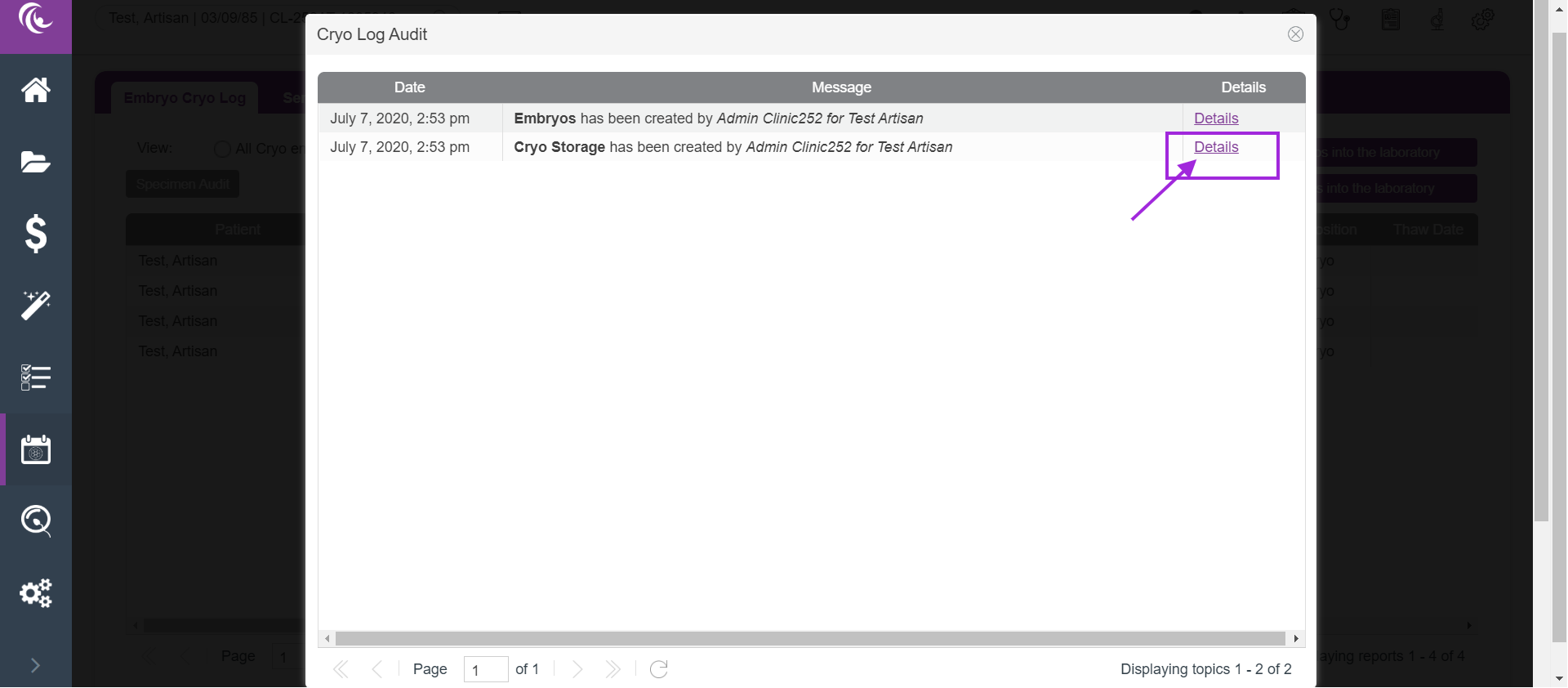
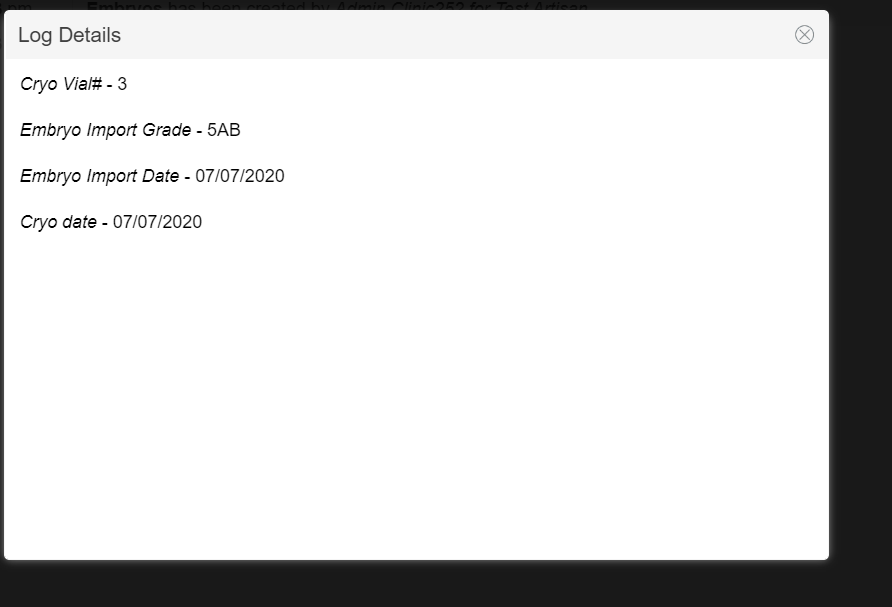
Click on the Details link to open the Log Details page.
**All manuals are compliant with HIPAA regulations. No patient information has been released. All screenshots above were taken from a test clinic with fake patient information.

