


 63
63
Artisan allows for the capture of all billing charges from D0-D7 within the treatment cycle. The IVF billing feature will allow for easy use by the embryology lab of selecting what procedures were performed. This information will be transmitted to the accounting section for the billing team to view the daily selections that were made while the patient's samples are in the lab.
Navigation
This is only accessible to Clinic Admin and Practioner user privileges.
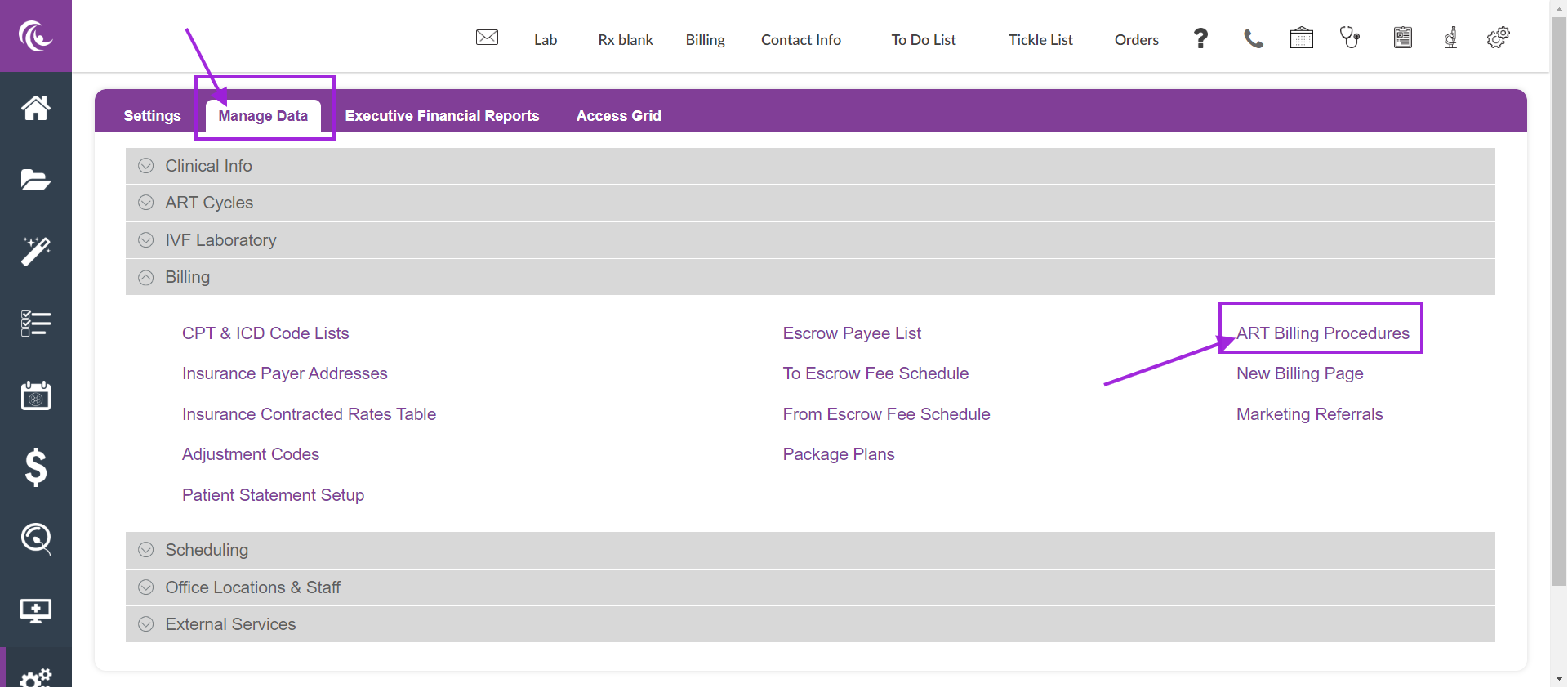
From the home screen select the administrative tools

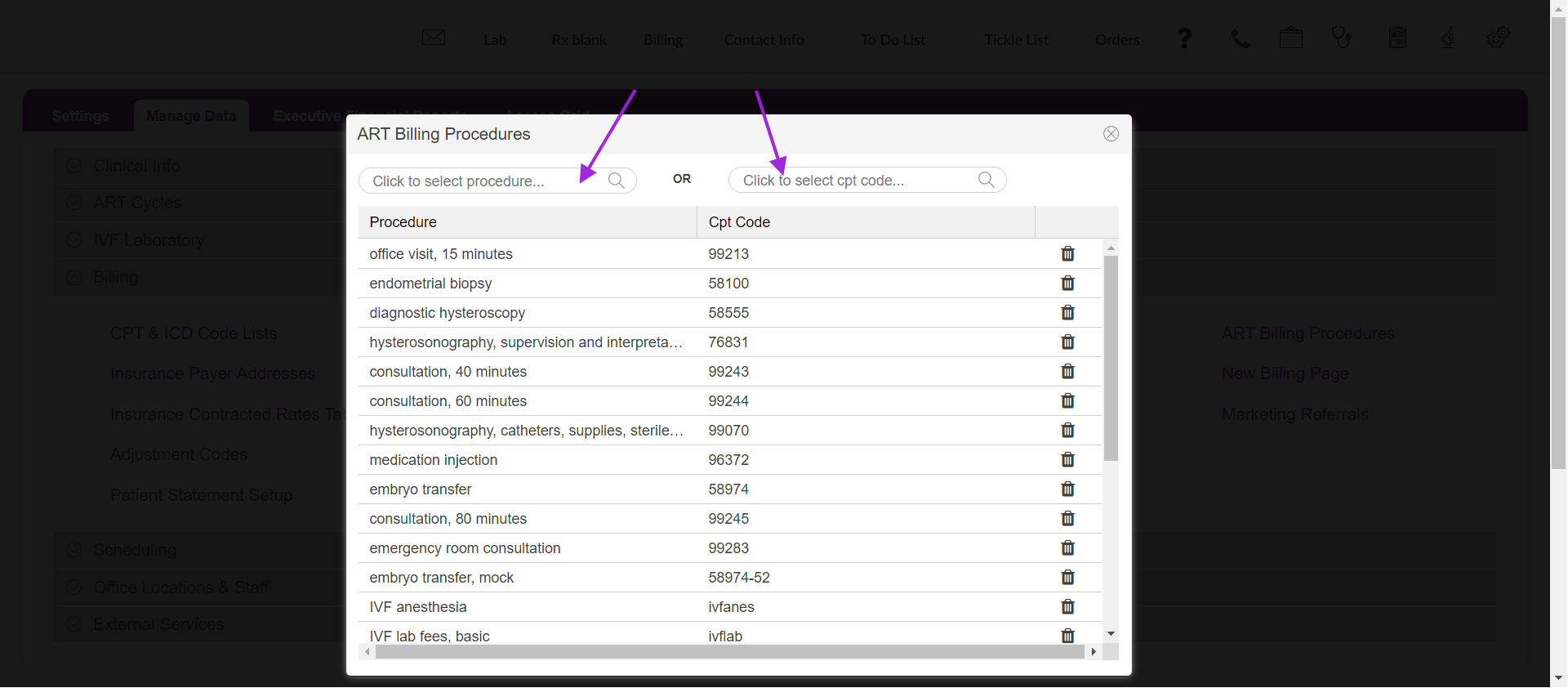
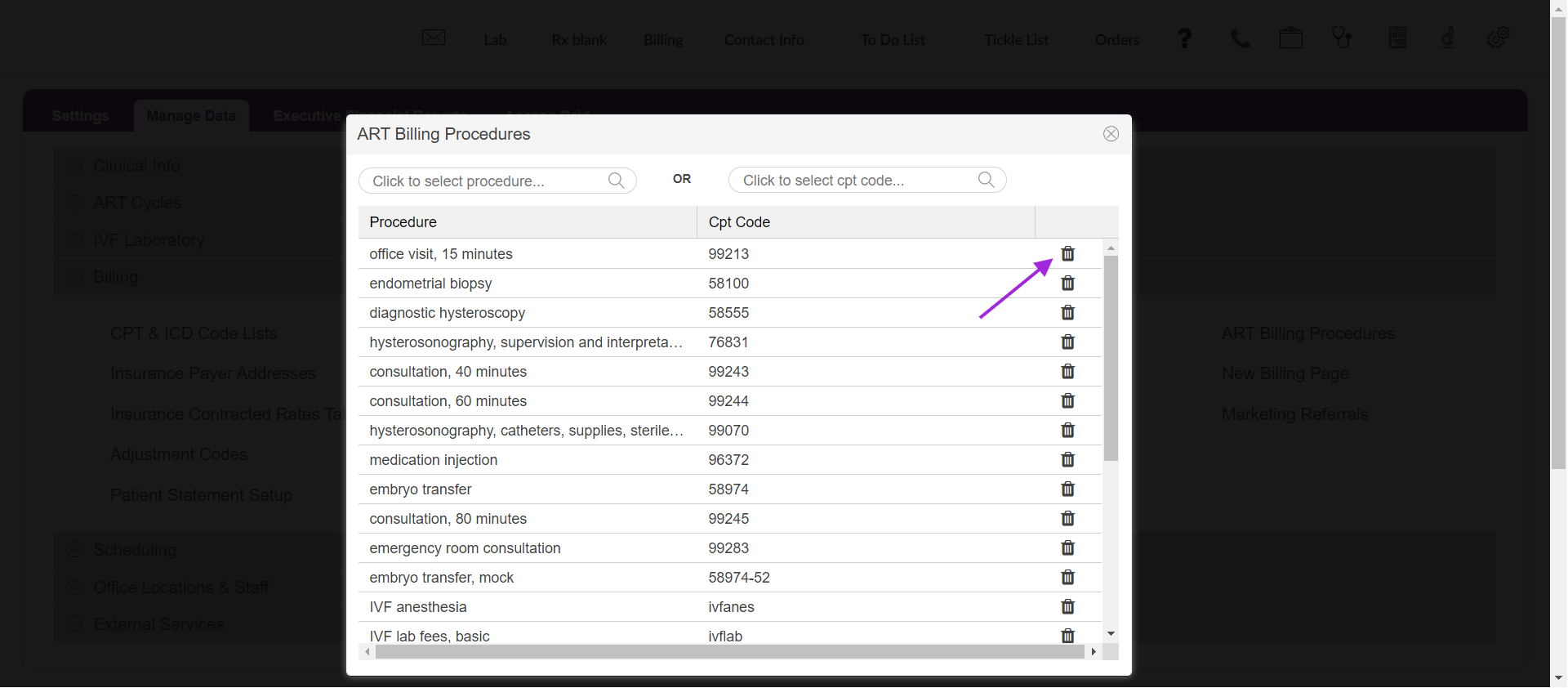
The Library is available for the Embryology lab to select services rendered within the patient's cycle. Please visit the IVF Lab Billing manual for this process.
**All manuals are compliant with HIPAA regulations. No patient information has been released. All screenshots above were taken from a test clinic with fake patient information.

