


 236
236
In the event that your integrated hormone analyzer loses connection with the Artisan interface, you will need to reset your device. There are 2 different places in Artisan where you are able to complete the reset.
Navigation
Administration
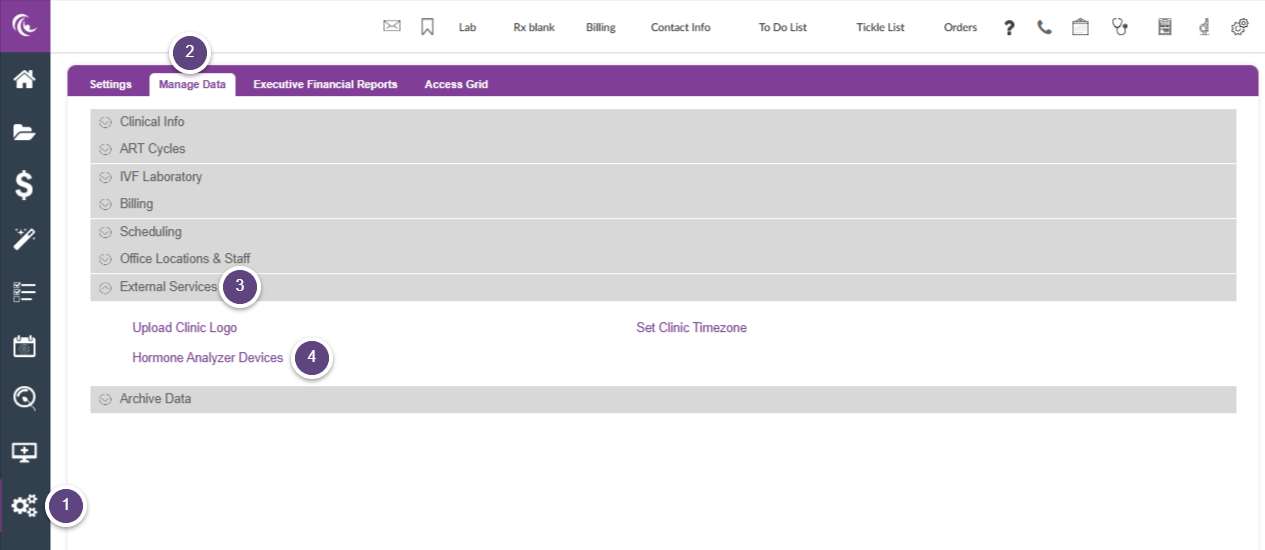
Go to:
1. Administration in the left control panel.
2. Manage Data
3. External Services
4. Click on Hormone Analyzer Devices
Lab Manager
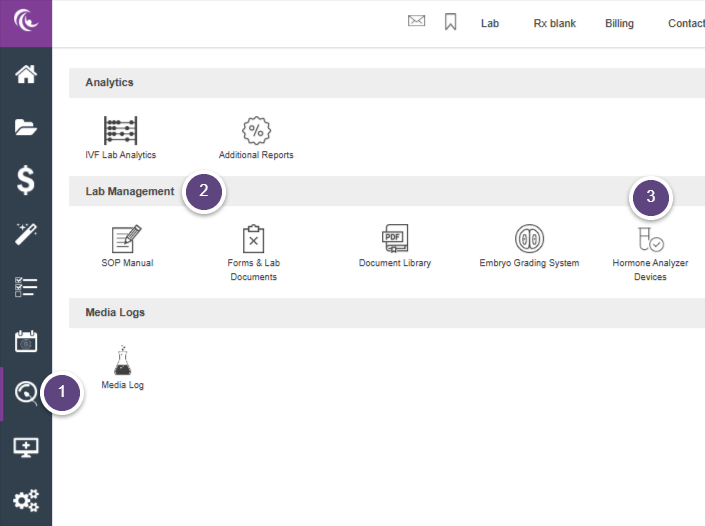
Go to:
1. Lab Manager
2. Lab Management
3. Click on Hormone Analyzer Devices.
How to Reset the Device
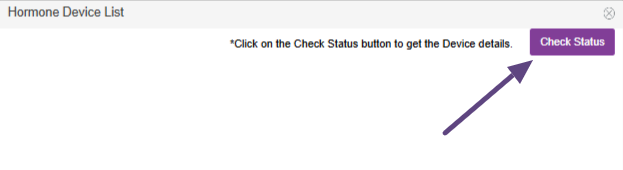
After clicking on Hormone Analyzer Devices, select Check Status.
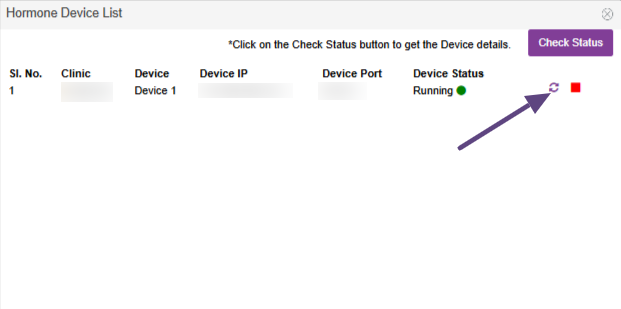
This will pull up all your clinic's hormone analyzer devices that are integrated with Artisan. Click on the circular double arrow icon.
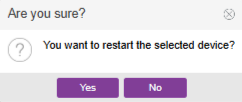
You will get a confirmation screen asking if you are sure you want to restart the device. Select Yes.
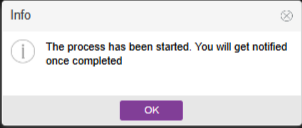
You will get another confirmation screen letting you know that the process has been started and you will be notified once it is complete.
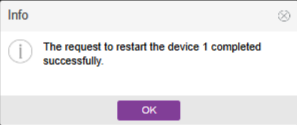
You will get a final confirmation screen that the restart of the device has been completed.
If you have more than once device, you will need to complete the steps for reset for each device.

