


 48
48
Some labs use only donor numbers to identify Donor Banking samples in cryolog, others use Donor Name. The EMR allows the user to display the Donor Number in place of the Donor name.
Navigation
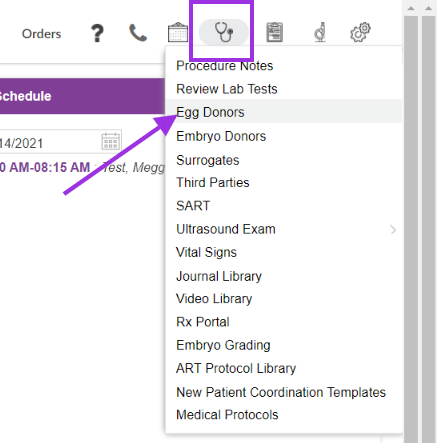
To register a donor select on the stethoscope icon (clinical tools) and select Egg Donors.
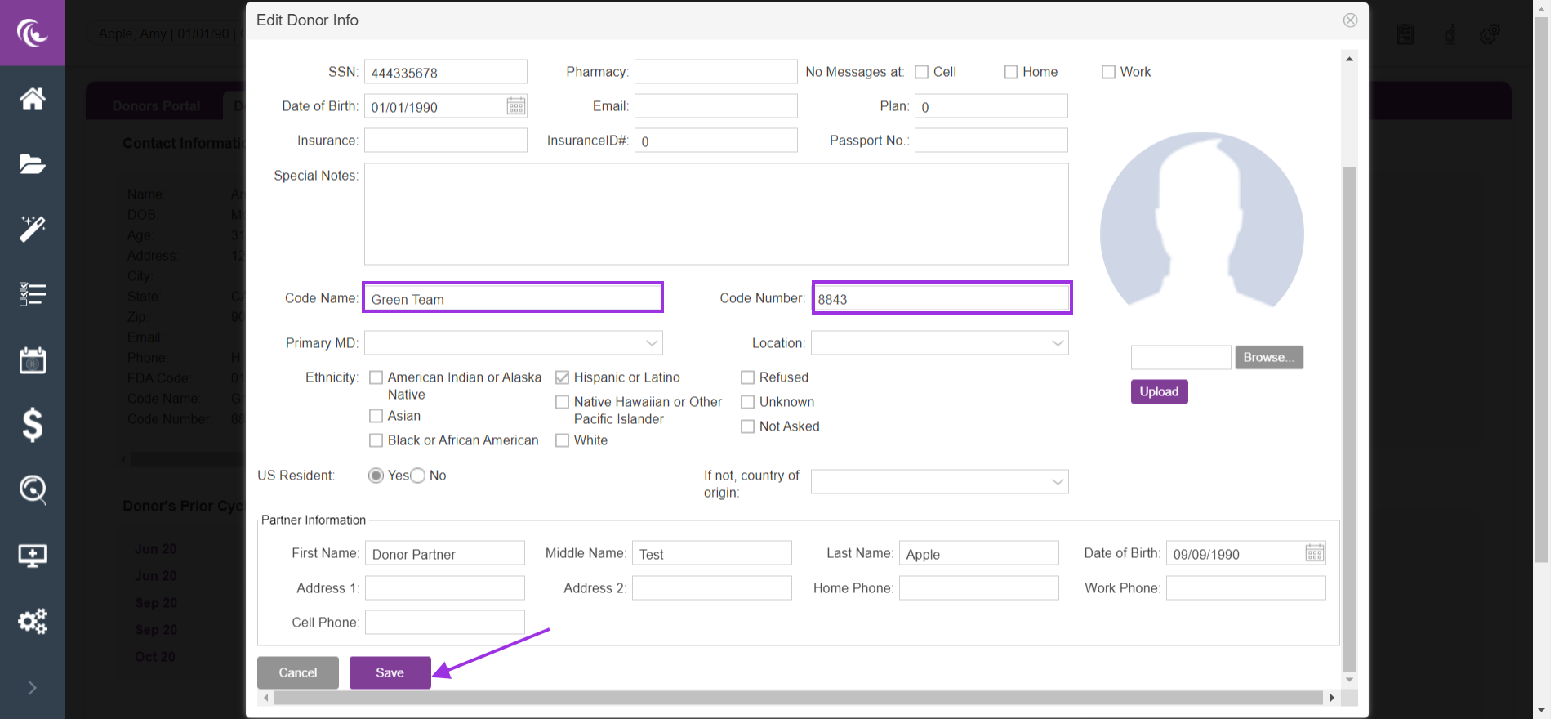
Enter the Donor code name and /or Donor number. Next, select save.
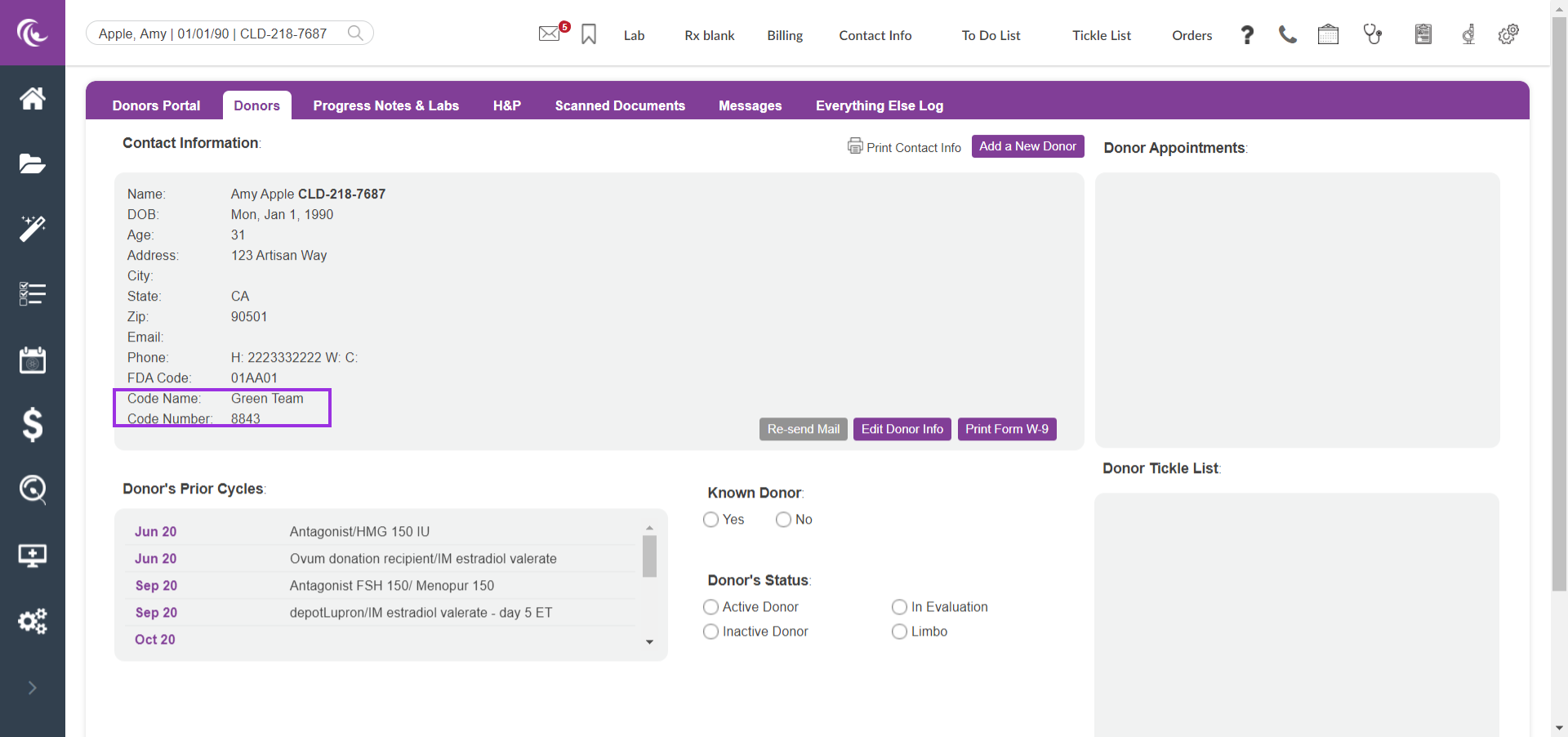
The code name and number will then display under the Donor chart.
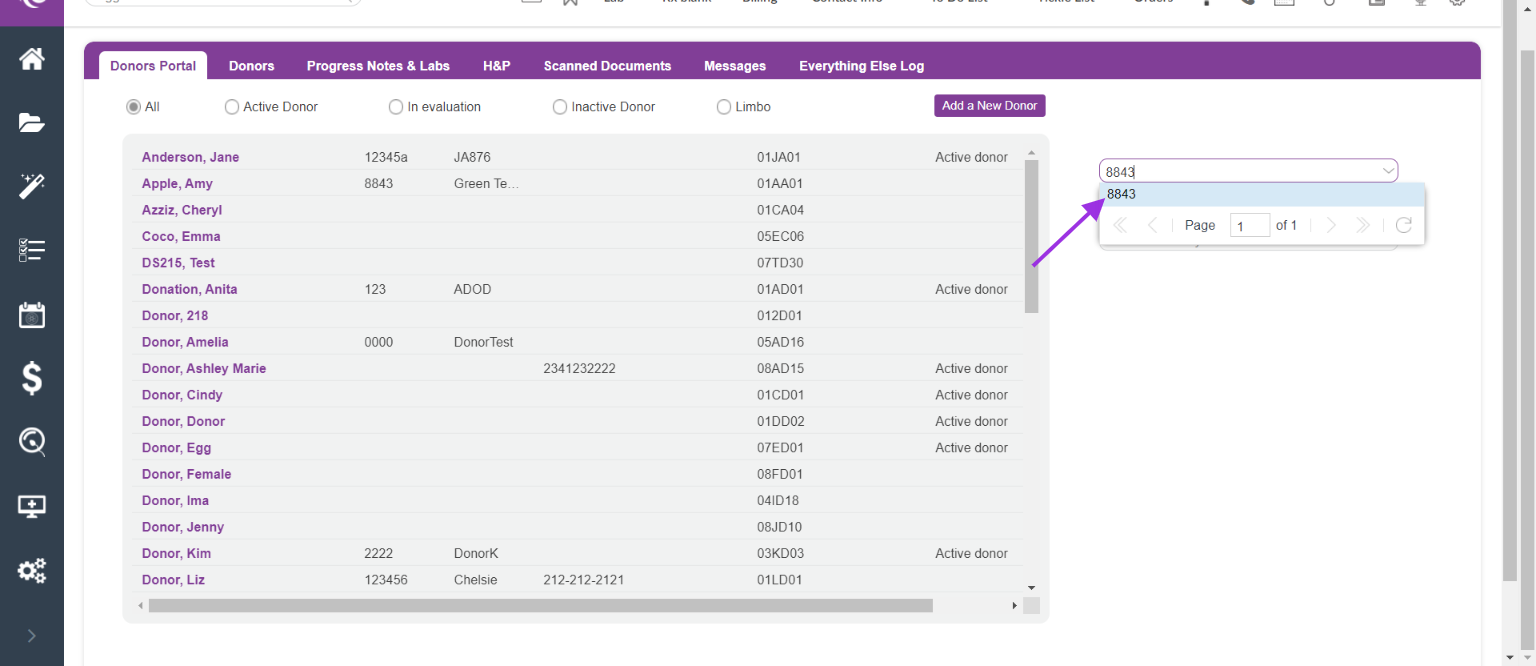
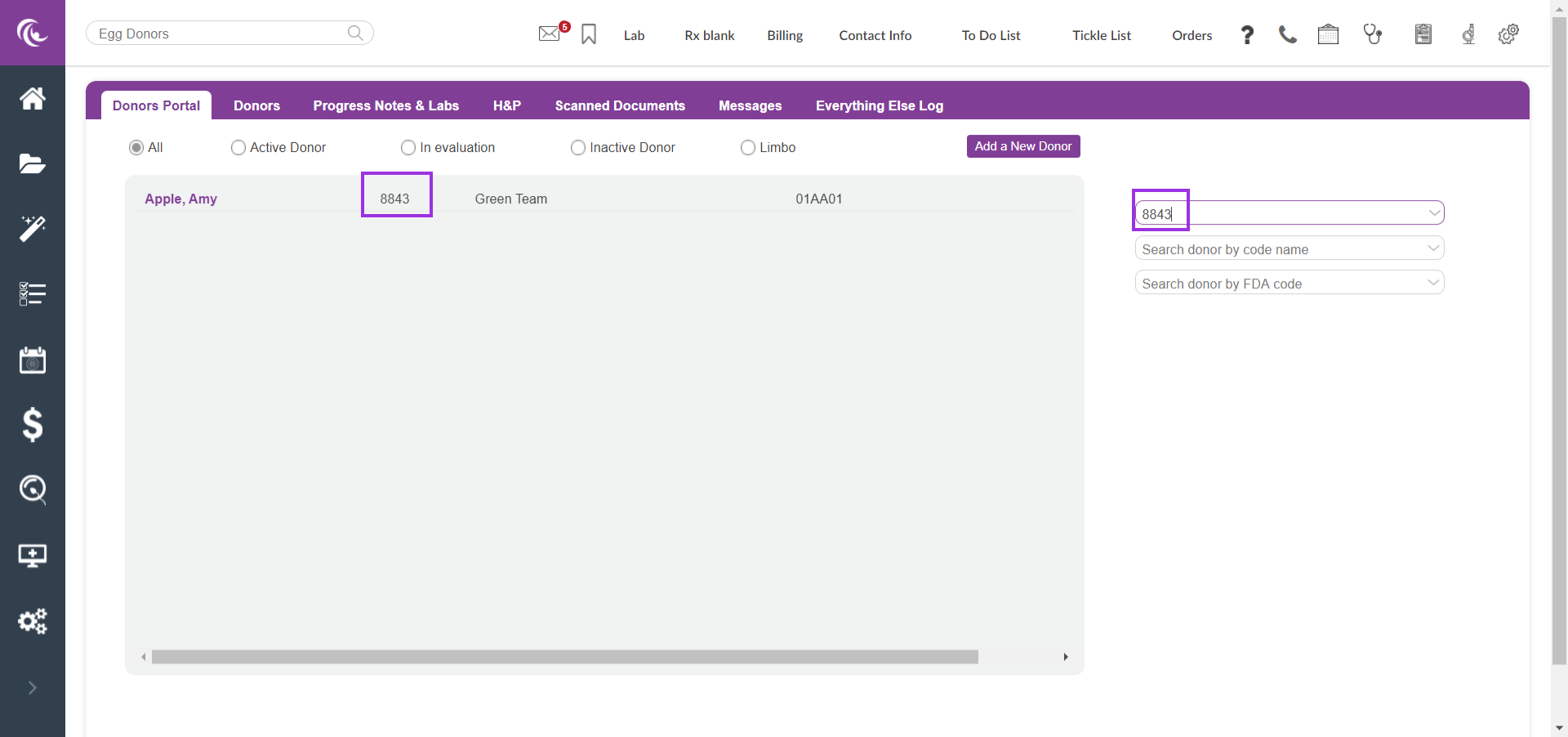
Search for the Donor code name and Donor code number by using the search field in the donor portal.
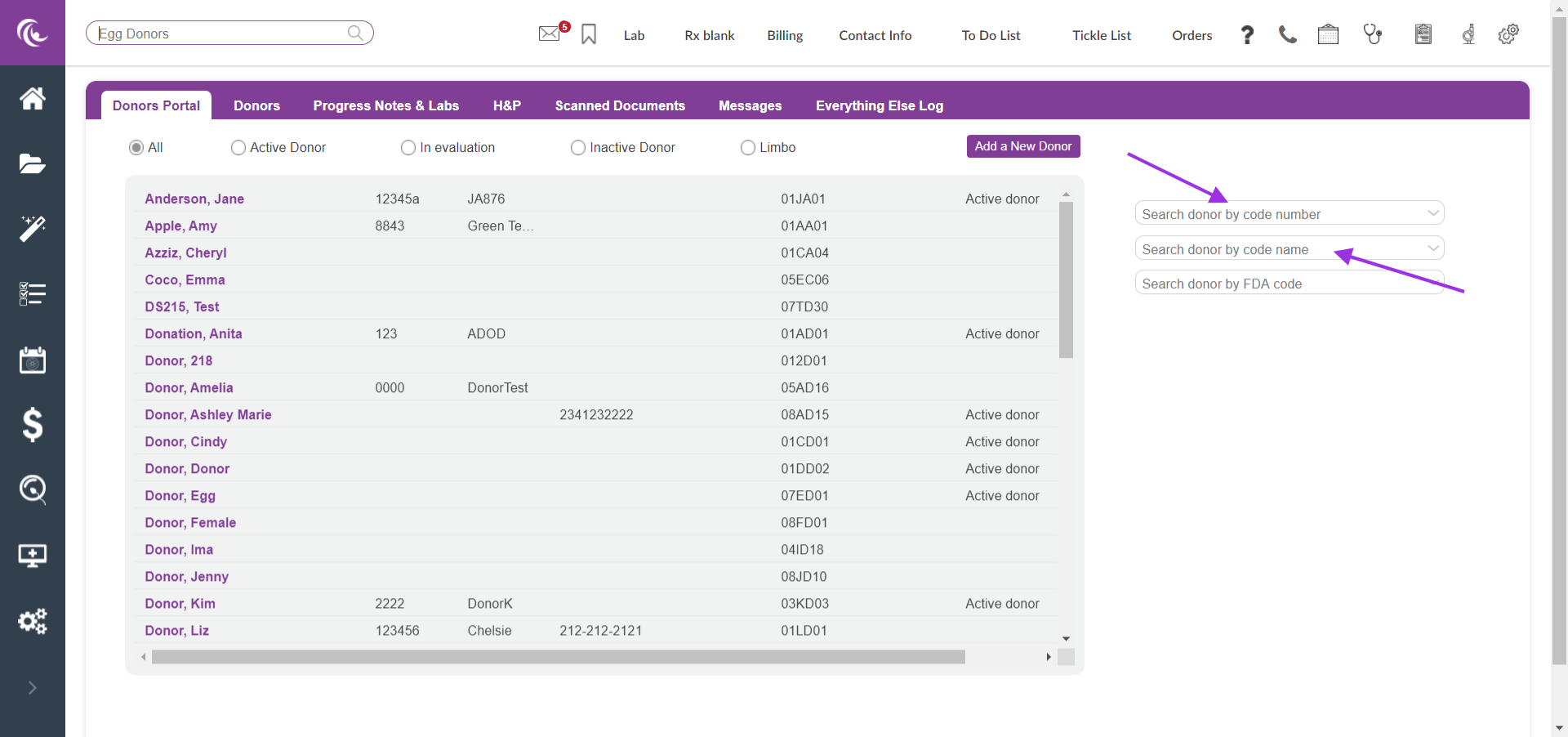
Select the Donor code when it populates
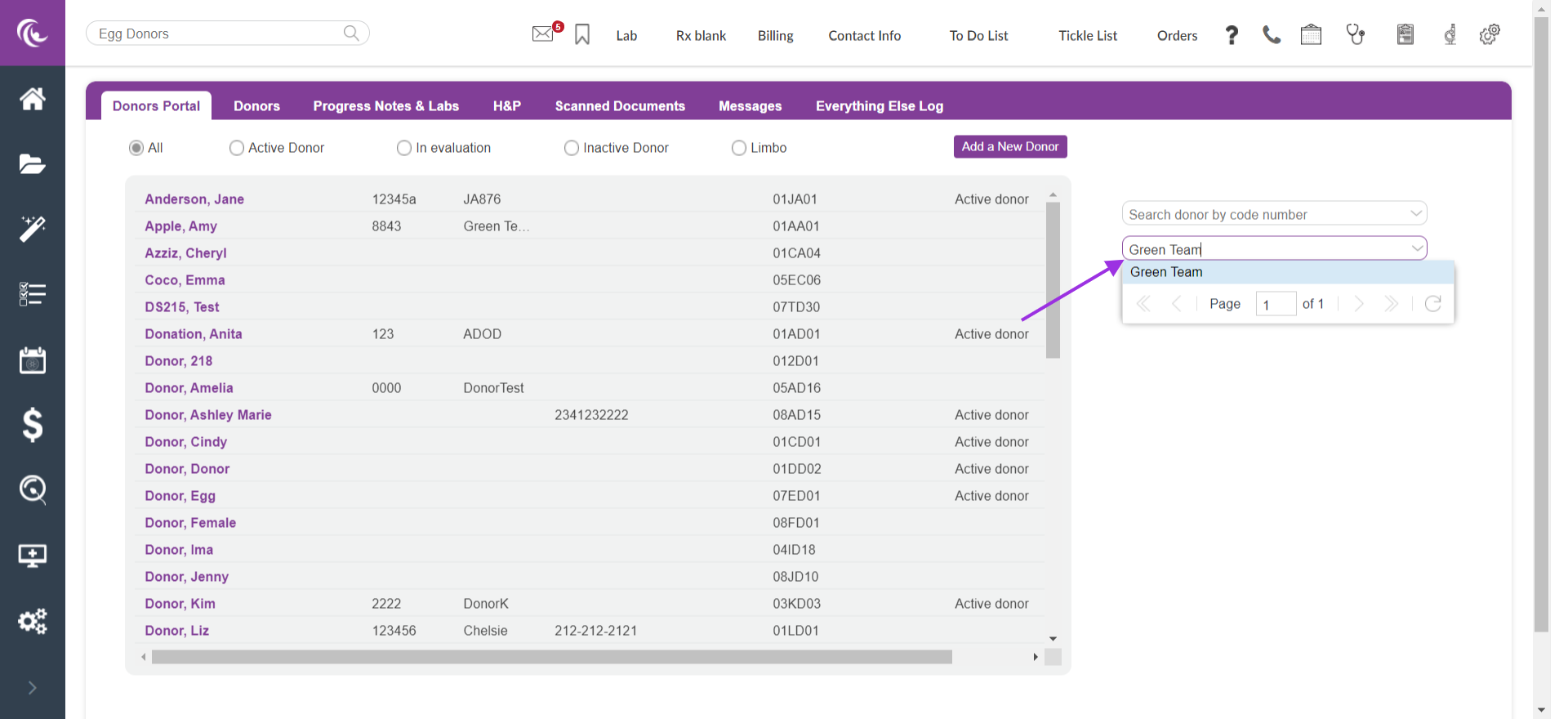
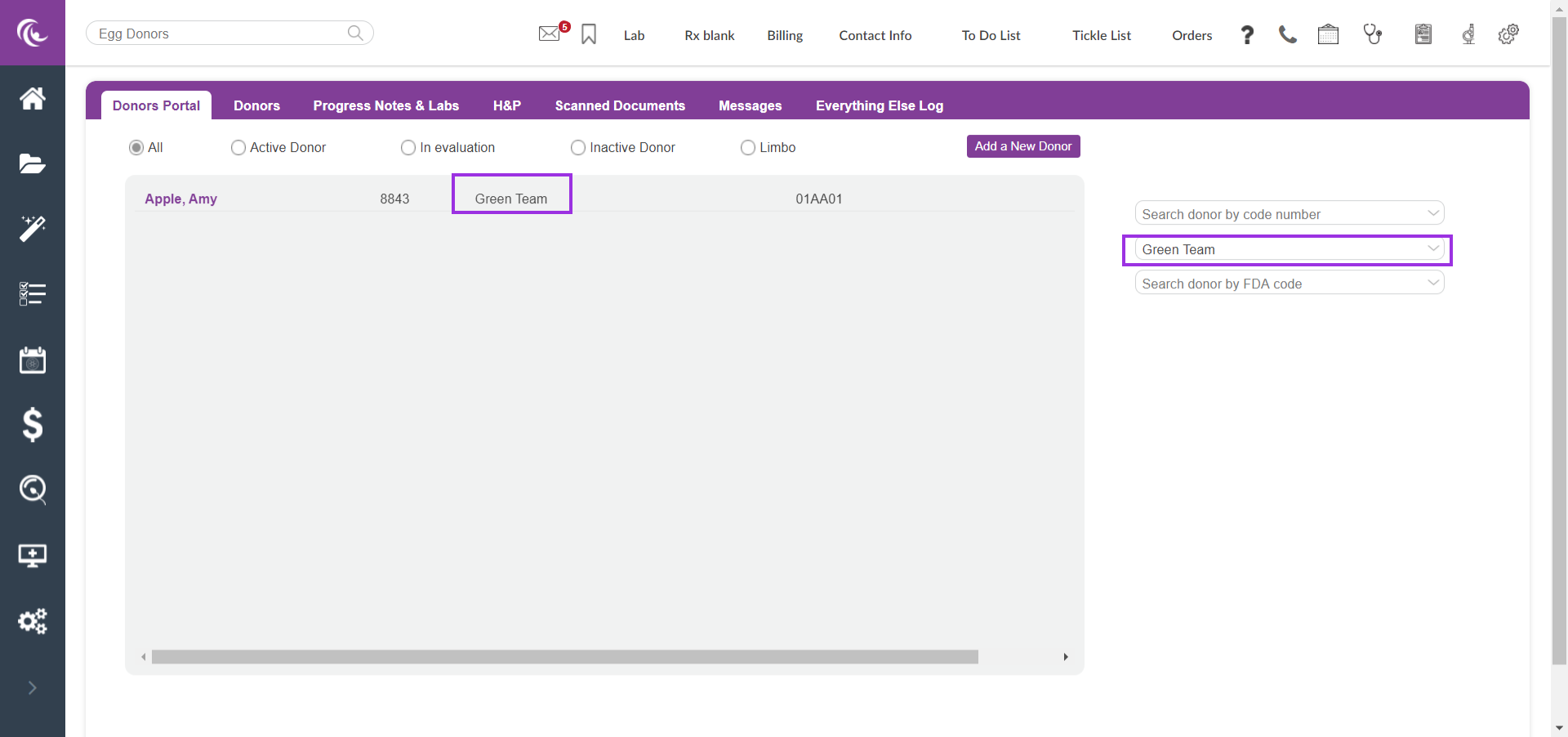
Searching by Donor Code Name
Search for the Donor Code Name by using the appropriate search bar. Once the name populates select the code name.
Viewing the Donor Code Name in the Cryolog
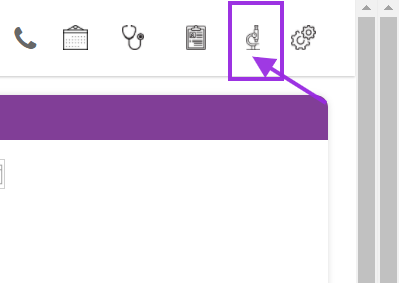
Select on microscope icon (lab tools)
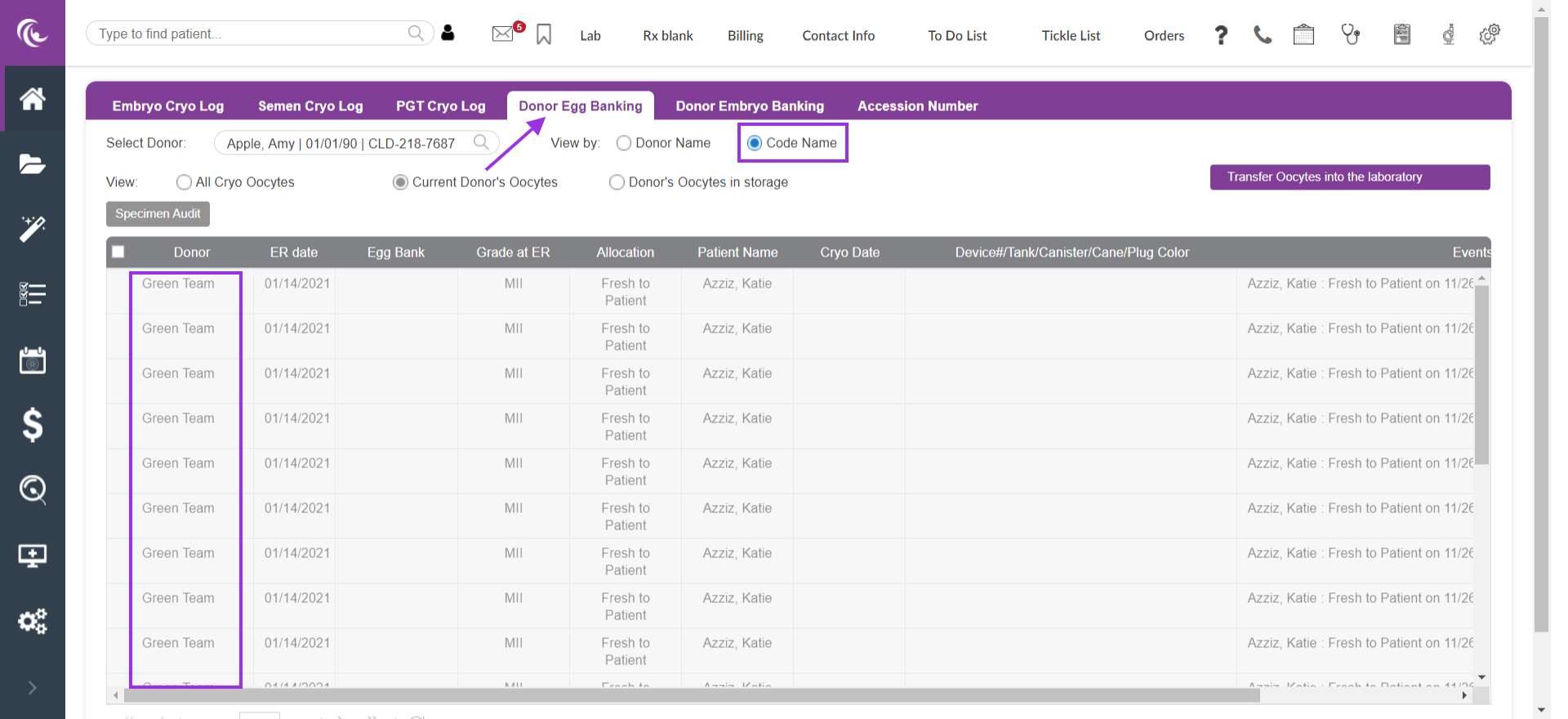
From the Donor Egg Banking select the radio option Donor name for the Donor name to populate.

Select the radio option Donor Code name to view the Donor Code name
**All manuals are compliant with HIPPA regulations. No patient information has been released. All screenshots above were taken from a test clinic with fake patient information

